
Log In
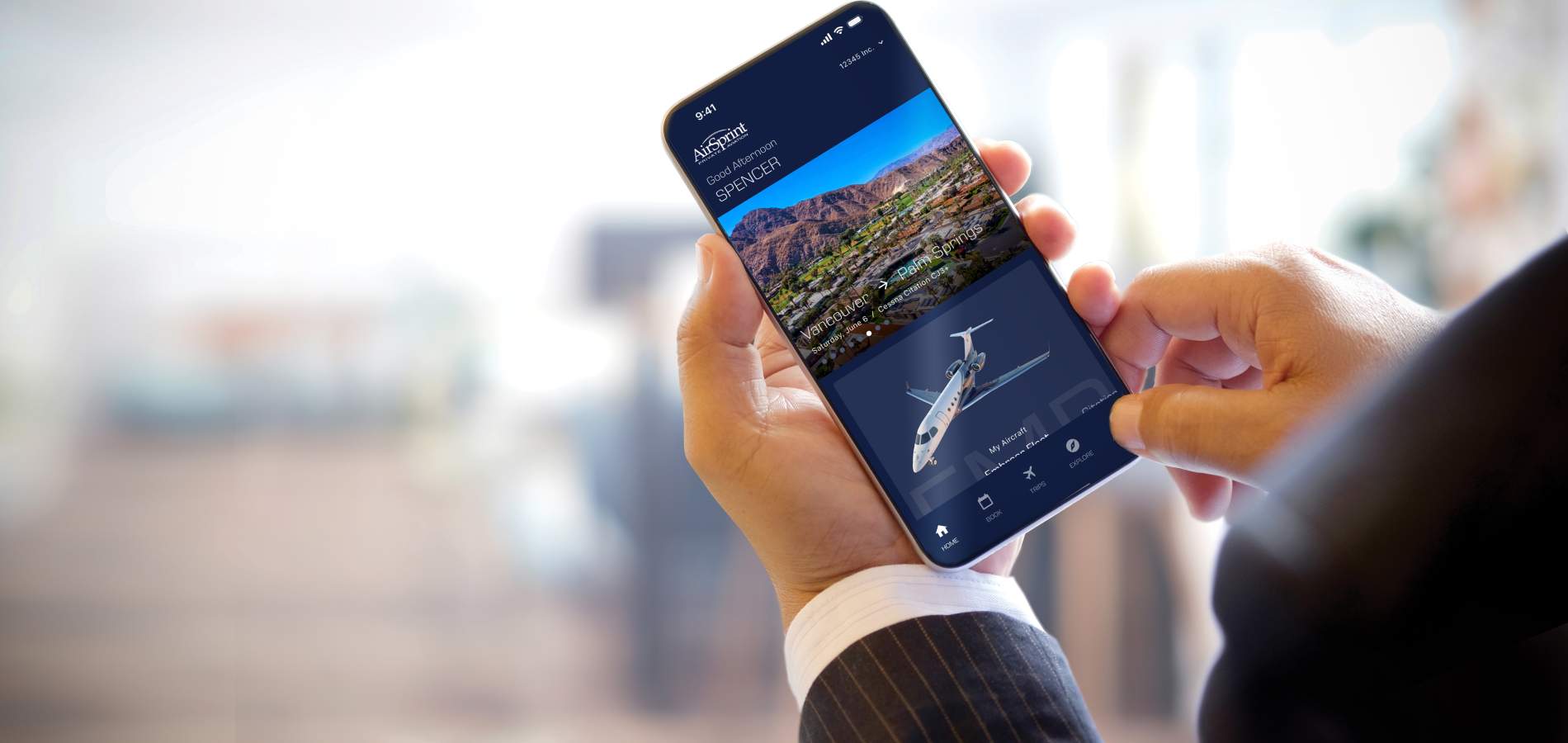
How to log in to the Owners App.
- Open the Owners App.
- Enter your email address and password.
- Tap Log In.
- Once logged in, you’ll have full access to your account and booking features.
Reset Password
How to reset my password in the Owners App.
- Open the Owners App and tap Forgot Password.
- Enter your email address.
- Check your email inbox and click the reset link.
- Choose a new password and confirm it.
Book a Flight
How to book a flight in the Owners App.
- Open the Owners App and tap Book in the navigation bar.
- Select One-Way, Round-Trip, or Multi-Leg.
- Follow the prompts to complete your booking.
- Tap Submit Booking Request. Once confirmed by Owner Services, your trip status will update from pending.
Empty Legs
How to explore and book Empty Leg flights in the Owners App.
- Open the Owners App.
- Tap Explore in the navigation bar and select the Empty Legs tab.
- Browse available flights, apply filters as needed, and select your preferred option.
- Follow the prompts to submit your booking request. You’ll be notified once it’s confirmed, as Empty Legs are available on a first-come, first-served basis.
Flight Sharing
How to share flights in the Owners App.
- Open the Owners App and tap Book in the navigation bar.
- Follow the prompts to create your booking.
- On the Summary screen, scroll to Flight Sharing, select your sharing preferences, and accept the terms.
- Tap Submit Booking Request. Once confirmed, your Shared Flight will appear in the App, and you’ll be notified if another Owner joins.

How to join a Shared Flight in the Owners App.
- Open the Owners App and tap Explore in the navigation bar.
- Select the Shared Flights tab, browse available flights, and apply filters as needed.
- Choose the flight you’re interested in and review the trip details, including available seats and preferences.
- Follow the booking steps and tap Submit Booking Request. Once confirmed by Owner Services, you’ll be added to the flight.
My Network
How to create My Network in the Owners App.
- Open the Owners App and tap Account in the navigation bar.
- Share your QR Code or Invitation Link with another Fractional Owner.
- The other Owner scans your QR Code or uses your Invitation Link to connect. Once accepted, you'll both become Connections in each other's My Network.
- Create Groups to organize your Connections, then choose to share flights with your entire My Network or selected Groups.
Hours Exchange
How to buy and sell hours in the Owners App.
- Open the Owners App and go to the Hours Exchange section on the Home screen.
- Tap Buy Now or Sell Now and select your aircraft type.
- Choose the number of hours you’d like to buy or sell.
- Submit your request. It will be automatically matched when a buyer or seller is available, and you can view active transactions under Account > My Account.
Our team is standing by to help. Please reach out anytime.